






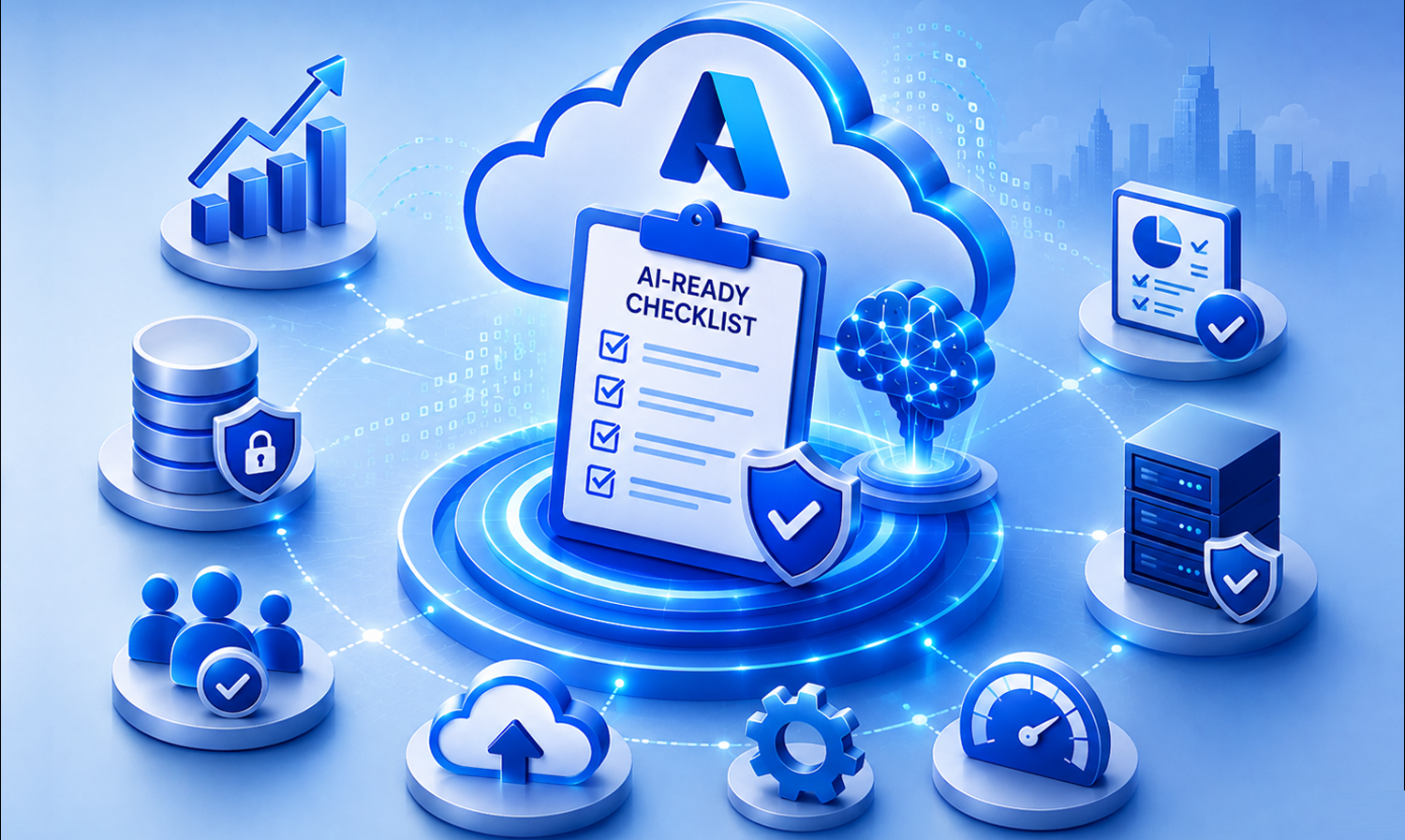
Moving workloads to Azure is an important step, but cloud adoption alone does not make an environment ready for AI. AI initiatives place different demands on infrastructure, data, security, integration, and day-to-day operations.
An azure ai readiness assessment helps organizations identify those gaps before they become expensive blockers. Instead of asking only whether Azure services are available, the assessment asks whether the environment can support AI workloads reliably, securely, and at scale.
This practical checklist evaluates five areas: cloud foundation, data readiness, AI services, security and governance, and operational readiness.
Key Takeaways
- Azure AI readiness goes beyond cloud adoption. Infrastructure, data, security, and operations need to work together.
- A structured azure ai readiness assessment can expose gaps before AI initiatives move from pilots to production.
- Data quality, accessibility, governance, and reliable pipelines are foundational to useful AI.
- AI services need to be integrated with enterprise data and deployment processes rather than treated as isolated tools.
- Readiness is continuous: monitoring, governance, scaling, and optimization remain important after deployment.
Why Most Azure Setups Still Struggle to Support AI Initiatives
Moving to Azure can provide scalable cloud infrastructure, but organizations may still struggle when they try to move AI pilots into production. An environment designed primarily for traditional applications may not have the data architecture, workload scalability, governance controls, or operational practices that AI requires.
The key distinction is simple: cloud adoption provides a foundation; AI readiness determines whether that foundation can support AI workloads effectively.
Common gaps include fragmented enterprise data, infrastructure bottlenecks, inconsistent access controls, limited monitoring, and a disconnect between AI experiments and production systems.
Assessing these areas early can help teams prioritize remediation instead of discovering environment limitations after an AI initiative is already underway.
What “AI Readiness” Really Means in an Azure Environment
Azure AI readiness refers to how well an Azure environment is prepared to support AI workloads across infrastructure, data, security, and operations. The objective is not simply to have access to AI tools; it is to create an environment where AI solutions can be developed, deployed, monitored, and scaled.
Strategic readiness vs. environment readiness
AI strategy defines business priorities, use cases, and expected outcomes. Environment readiness addresses whether the underlying technology and operating model can execute that strategy.
- Scalable and flexible infrastructure
- Clean, accessible, and governed data
- Integrated AI and analytics services
- Security and identity controls
- Continuous monitoring and operational governance
A Practical Azure AI Readiness Assessment Framework
A practical azure ai readiness assessment checklist can be organized into five layers. Reviewing them together provides a clearer view of where an Azure environment is ready and where remediation is needed.
| Readiness layer | What to evaluate | Typical questions |
| Cloud foundation | Compute, storage, resource architecture, scalability | Can infrastructure handle changing AI workloads? |
| Data readiness | Quality, accessibility, integration, pipelines | Can AI reliably access governed enterprise data? |
| AI services | AI services, integration, deployment, MLOps | Can models and AI services move into production? |
| Security & governance | Identity, access, data protection, AI risk | Are AI workloads protected by design? |
| Operational readiness | Monitoring, usage, performance, lifecycle | Can the organization sustain and optimize AI? |
Cloud Foundation: Can Your Azure Setup Handle AI Workloads?
AI workloads can place different demands on compute, storage, networking, and resource allocation than conventional application workloads. The Azure foundation should therefore be evaluated against expected AI usage rather than only today’s application requirements.
Structuring resources for scalable AI workloads
- Review resource hierarchy and workload separation.
- Evaluate compute capacity against expected AI processing demands.
- Confirm storage can scale with growing data volumes.
- Plan resource allocation around workload patterns and growth.
Avoiding infrastructure bottlenecks before AI deployment
Infrastructure limitations discovered late can delay AI deployment and create rework. A readiness review should identify capacity, architecture, and performance constraints before production workloads are introduced. infrastructure performance optimization
Data Readiness: Is Your Data Actually Usable for AI?
Data readiness is one of the most important parts of an Azure AI readiness assessment. AI systems depend on data that is accessible, consistent, relevant, and governed.
Eliminating data silos across systems
Disconnected applications and inconsistent formats can prevent AI workloads from accessing a complete view of enterprise information. Identify critical data sources, ownership, integration dependencies, and accessibility requirements.
Building pipelines that AI can rely on
Reliable data pipelines help deliver accurate and timely information to AI systems. Review ingestion, transformation, integration, quality controls, and ongoing data availability.
AI Services Layer: Are You Ready to Build and Deploy AI Models?
Azure provides a broad set of AI capabilities, but access to services does not automatically create production readiness. AI services need to connect with enterprise data, applications, deployment processes, and operating practices.
- Integration between AI services and enterprise data
- Repeatable deployment pipelines
- Model and service versioning
- Monitoring and feedback loops
- Production-scale workloads
For organizations using Microsoft Copilot and related capabilities, readiness also means ensuring the surrounding data, identity, security, and application environment can support the intended business workflows.
Security and Governance: Is Your AI Environment Protected by Design?
AI introduces additional considerations around data exposure, access, model behavior, and compliance. Security should be incorporated into the Azure AI environment from the beginning rather than added after deployment.
Strengthening identity and access controls
Confirm users and workloads have only the access they require.
Review how AI services access enterprise data and applications.
Managing data exposure and AI risks
Data classification, access policies, auditing, and governance should cover the way AI systems consume and use information. The objective is to create controlled, traceable AI workflows.
Operational Readiness: Can You Monitor, Scale, and Sustain AI?
AI readiness does not end when a model or AI service is deployed. Production environments need continuous monitoring, performance management, scaling, and lifecycle controls.
Monitoring performance and usage across AI workloads
Teams should establish visibility into model performance, resource usage, output consistency, service behavior, and operational costs. Alerts and performance benchmarks can help teams identify issues before they affect users.
Related resource: cloud monitoring best practices
A Quick Self-Check: Where Does Your Azure Environment Stand Today
Use the following questions as a quick Azure AI readiness evaluation:

Can your infrastructure scale AI workloads as demand changes?

Is critical enterprise data unified, accessible, and governed?

Are AI services integrated with the systems and workflows that need them?

Are identity, access, security, and governance controls defined?

Can you monitor AI workload performance, usage, and reliability?

Do you have processes for ongoing optimization and lifecycle management?
If several answers are unclear, the environment may need a structured readiness review before scaling AI initiatives.
Bringing It All Together: How to Evaluate Your Azure AI Readiness
An effective Azure AI readiness assessment should not treat each layer as an isolated checklist. Infrastructure, data, AI services, security, and operations are interconnected.
Start by documenting the current state, identify the gaps that can block production use, and prioritize remediation according to business impact.
- Assess all five readiness layers together.
- Identify dependencies between infrastructure, data, applications, and AI services.
- Prioritize high-impact gaps before expanding AI workloads.
- Define ownership and an achievable remediation roadmap.
- Reassess readiness as workloads, data, and AI capabilities evolve.
From Readiness to Real AI Outcomes: What Changes Next
Once the environment is prepared, organizations can move from isolated experimentation toward more repeatable AI deployment. The value comes from connecting AI capabilities with reliable data, scalable applications, secure access, and operational discipline.
- AI initiatives can be supported by a more scalable technical foundation.
- Data and AI workflows can become more consistent and governed.
- Teams can establish repeatable deployment and monitoring practices.
- Applications, data, and AI can be modernized as part of a broader transformation.
Application modernization can be an important part of this journey when existing applications limit integration, scalability, or the ability to operationalize AI.
Real-World AI Readiness in Action
Ready to Turn Your Azure Environment into an AI-Ready Ecosystem?
FAQs
What is an Azure AI readiness assessment?
An Azure AI readiness assessment evaluates whether an Azure environment can support AI workloads effectively. It reviews infrastructure, data, AI services, security, governance, and operations to identify gaps before scaling AI initiatives.
How do you determine if your Azure environment is ready for AI?
Evaluate infrastructure scalability, data availability and quality, AI service integration, security controls, governance, monitoring, and operational processes. A structured review across these areas provides a practical view of readiness.
What are the key components of AI readiness in Azure?
The core components are cloud infrastructure, data readiness, AI services, security and governance, and operational readiness. These layers need to work together to support reliable AI deployment.
Why do AI projects fail even after moving to Azure?
Cloud adoption alone does not ensure AI readiness. Gaps in data, governance, infrastructure scalability, integration, and operational processes can prevent an AI initiative from moving successfully into production.
How important is data readiness for AI in Azure?
Data readiness is critical because AI workloads depend on accessible, reliable, and appropriately governed data. Fragmented or inconsistent data can limit the quality and usefulness of AI outcomes.
What role does security play in Azure AI deployments?
Security helps control access, protect data, support compliance, and manage risks associated with AI workloads. Identity, access controls, data protection, auditing, and governance should be considered as part of the architecture.
How can organizations improve their AI readiness in Azure?
Organizations can improve readiness by assessing the five core layers, prioritizing high-impact gaps, strengthening data and infrastructure foundations, integrating AI services with business systems, and establishing continuous monitoring and governance.
